
Introduction: A New Era of Seamless Interaction
A new feature from Google is drawing attention across the mobile industry. Known as Tap to Share, this upcoming Android capability introduces a faster, more intuitive way to transfer data between devices. More importantly, it reflects a broader shift in how apps are being designed in 2026—toward simplicity, gesture-based interaction, and real-time responsiveness.
What Is Tap to Share?
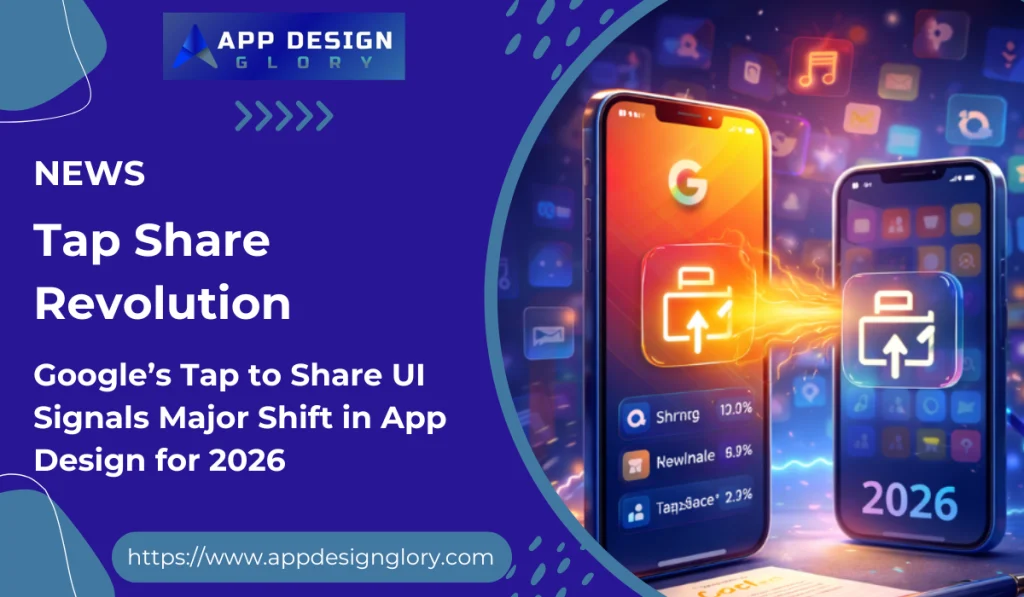
Tap to Share is an in-development Android feature that allows users to share content simply by bringing two smartphones close together. Instead of navigating menus or selecting sharing options manually, users can transfer contacts, photos, videos, links, and more with a quick physical gesture.
The feature relies on NFC technology to initiate the connection, after which Bluetooth or Wi-Fi may handle the actual data transfer.
Early previews suggest users will need to unlock both devices and overlap them slightly until a visual confirmation—such as a glow animation—appears.
A Design Shift: From Menus to Motion
Tap to Share is not just a feature—it represents a deeper UI transformation. Traditional app design has relied heavily on buttons, menus, and multiple steps. This new approach replaces complexity with physical interaction and motion-driven UX.
Key design trends highlighted by this feature include:
- Gesture-first interfaces replacing manual navigation
- Minimal UI layers for faster task completion
- Visual feedback animations confirming real-time actions
- Context-aware sharing without multiple prompts
This aligns with a growing industry focus on reducing friction and making apps feel more natural to use.
Competing With Apple’s Ecosystem
Tap to Share is widely seen as Android’s answer to Apple’s proximity-based sharing features like NameDrop and AirDrop. By integrating a similar experience directly into Android, Google is aiming to close a long-standing usability gap between the two ecosystems.
However, Android’s implementation may go further by combining multiple sharing methods into one unified interface, potentially improving flexibility across devices.
Impact on App Design in 2026
The introduction of Tap to Share signals a major change for designers and developers. Apps are no longer just digital interfaces—they are becoming interaction systems that blend physical gestures with software behavior.
For developers and UI/UX teams, this means:
- Designing for instant actions instead of multi-step flows
- Prioritizing speed and clarity over feature-heavy interfaces
- Building apps that integrate smoothly with system-level features
- Ensuring UI elements respond with clear animations and feedback
This shift also reflects the growing importance of “invisible design”—where the best user experience feels effortless and almost automatic.
What This Means for Users
For everyday users, Tap to Share could significantly simplify common tasks like sharing contacts or sending files. Instead of navigating through multiple screens, actions become nearly instant and intuitive.
As more apps adopt similar interaction models, users can expect:
- Faster and more fluid app experiences
- Less reliance on traditional menus
- More consistent interactions across apps and devices
Expected Launch and Future Outlook
While Google has not officially confirmed a release date, reports suggest Tap to Share could debut with Android 17.
Looking ahead, this feature may influence a new generation of app design standards—where gesture-based controls, AI-driven context, and minimal interfaces become the norm rather than the exception.
Conclusion
Tap to Share is more than just a convenient sharing tool—it’s a signal of where mobile UX is heading. By blending physical interaction with digital functionality, Google is pushing app design toward a more natural, fast, and user-friendly future.
As 2026 unfolds, features like this will likely redefine expectations, forcing developers and designers to rethink how users interact with apps at the most fundamental level.